
Cisco · Network Module & Card
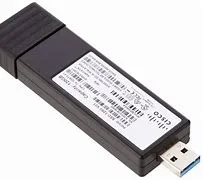
SSD-240G USB 3.0 SSD
Model: SSD-240G|Condition: Original New|Warranty: 1 year
Cisco SSD-240G — a network module & card shipped from ImportGM's Shenzhen warehouse to channel partners, integrators and corporate IT departments worldwide. The USB 3.0 Solid State Drive (SSD) port on the rear panel of the switch supports an optional 120 GB USB 3.0 SSD (SSD-120G) and 240 GB USB 3.0 SSD (SSD-240G) storage devices. SSD-120G provides an extra 120GB and SSD-240G provides 240 GB of storage for application hosting. Original New units carry the 1 year ImportGM warranty; quotation, proforma invoice and export packing list are issued the same day.
- ✔USB 3.0 SSD Overview
- ✔Application hosting on C9300LM switches is supported only with SSD-240G on the USB Type A port on the front panel of the switch.
- ✔Installing an SSD Module on C9300, C9300X and C9300L Switches
- ✔Remove the blank cover on the USB 3.0 SSD slot on the switch and store it for future use.
- ✔Verify that the LED on SSD turns solid green.
Bulk pricing available · Export packing & documentation · DHL / FedEx / air / sea freight
Technical Specifications
| Step 1 | Remove the blank cover on the USB 3.0 SSD slot on the switch and store it for future use. |
|---|---|
| Step 2 | Insert the SSD into the module slot, and firmly push it into the slot. Make sure your insert the SSD in such a way that the Cisco label on the drive stays upright. Figure 2. Installing an SSD on a Cisco Catalyst 9300 or 9300X Series Switches. This image displays installing an SSD module on to the USB3.0–SSD port on the rear panel of the switch. Figure 3. Installing SSD on a Cisco Catalyst 9300L Series Switch. This image displays installing an SSD module on to the USB3.0–SSD port on the rear panel of a C9300L switch. |
| Step 3 | Verify that the LED on SSD turns solid green. |
Product Overview
The USB 3.0 Solid State Drive (SSD) port on the rear panel of the switch supports an optional 120 GB USB 3.0 SSD (SSD-120G) and 240 GB USB 3.0 SSD (SSD-240G) storage devices. SSD-120G provides an extra 120GB and SSD-240G provides 240 GB of storage for application hosting.
Applications can be hosted in KVM (Kernel-based Virtual Machines), LXC (Linux Containers), or Docker containers. USB 3.0 SSD can also be used to save packet captures, trace logs generated by the operating system, Graceful Insertion and Removal (GIR) snapshots and third-party applications. It can be used simultaneously as a general-purpose storage device and as an app hosting device. You must use only Cisco USB drives; non-Cisco USB drives are not supported.
USB 3.0 SSD is enabled with S.M.A.R.T (Self-Monitoring, Analysis and Reporting Technology) functionality to monitor endurance, predict wear-out and carry out various self-tests.
Insert the SSD into the module slot, and firmly push it into the slot. Make sure your insert the SSD in such a way that the Cisco label on the drive stays upright.
Related Network Module & Cards

Cisco
C3850-NM-2-10G
Cisco Cisco Catalyst 3850 Network Module 2 X 10GE Network Module C3850-NM-2-10G
Cisco
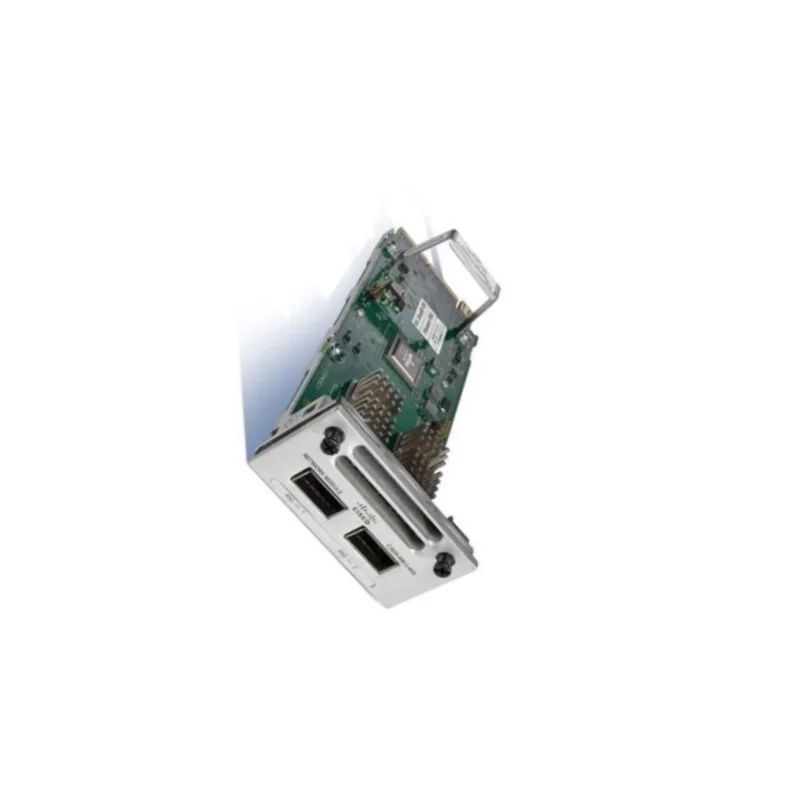
C3850-NM-2-40G
Cisco C3850-NM-2-40G Network Module Cisco Catalyst 3850 2 X 40GE Network Module
Cisco
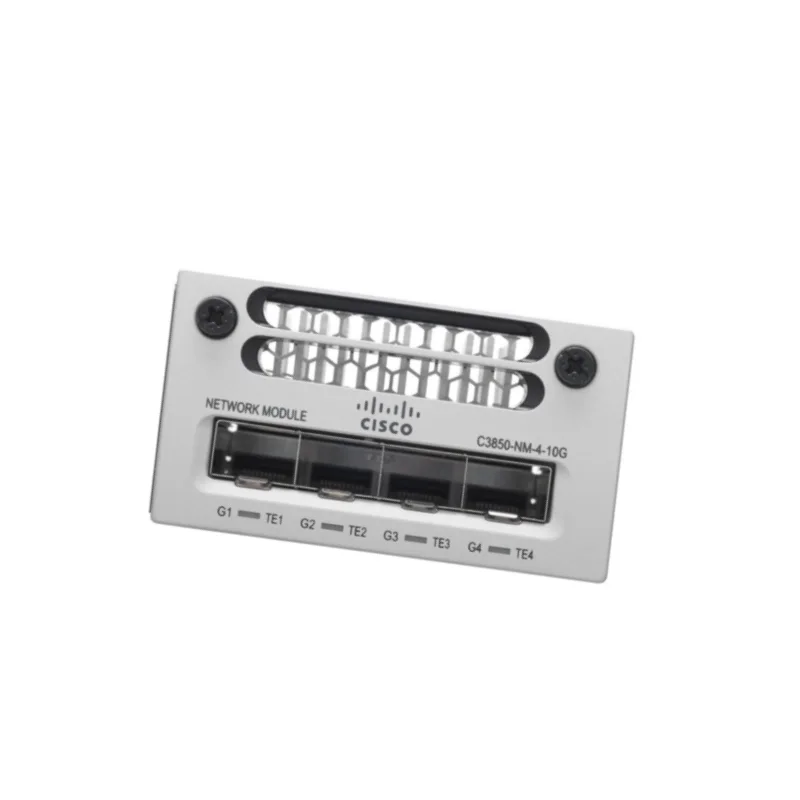
C3850-NM-4-10G
Cisco 3800 Series Switch Module C3850-NM-4-10G 4 X 10GE Network Module

Cisco
C3850-NM-8-10G
Cisco Catalyst 3850 8 X 10GE Network Module C3850-NM-8-10G Switch Module
Cisco
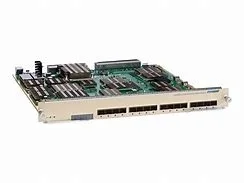
C6800-16P10G
C6800-16P10G High-Density Multi-Rate 10-Gigabit Interface Modules for Cisco 6807-XL and 6500-E Series
Cisco
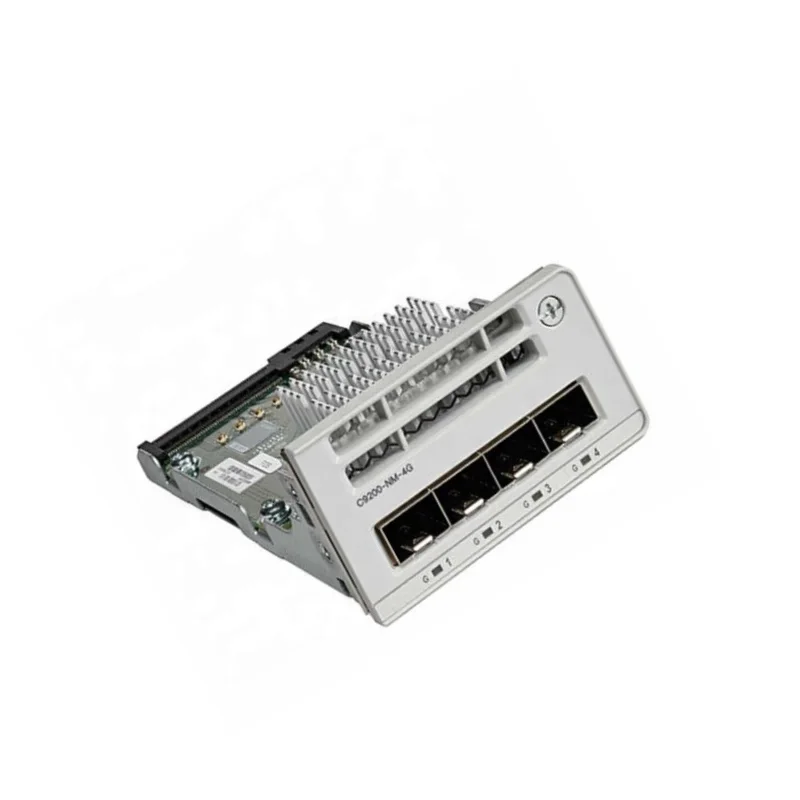
C9200-NM-4G
Cisco C9200-NM-4G Catalyst 9200 4 X 1G Network Module For 9200 Network Switches
About Network Module & Cards from ImportGM
SFP/SFP+/QSFP optical transceivers, network modules, PSU and stacking accessories for the switch and router platforms we distribute.
Browse all Network Module & Cards →